Meta VR Academy
Build hands-first experiences
A new era of VR is here. Practical learning for designing, building, and adapting hands-first experiences on Meta Horizon OS
This website is operated by Data Protocol on behalf of Meta.
The Meta Privacy Policy does not govern this site. Data Protocol's privacy policy applies.
Choose your path
Choose the path that best fits your project.
More paths are coming soon.
Courses & Short Codes
8Guided courses and focused guidance for designing, building, testing, and refining hands-first experiences.

Building Your First Game for Hands
Turn a hands-first vision into a game users want to return to

Adapting an Existing Game for Hands
Put the adaptation to the test before putting your game on the line

Is My Game a Good Fit for Hands?
What hands will change – and what your game can’t afford to lose

Choosing an Interaction Model
Building a system where actions feel intuitive

Building a Simple, Consistent Interaction Vocabulary
Less to remember. More to enjoy.

Designing UI for Gaze
Recognize attention and respond to intent

Designing Forgiving and Reversible Interactions
Give players room to get it right

Prototyping and Testing the Core Interaction
Prove your core interaction before you build on it
Tips

Five Tips for a Successful Hands-First App Submission

User Onboarding and Instructions
Why Hand Rays Miss During Pinch
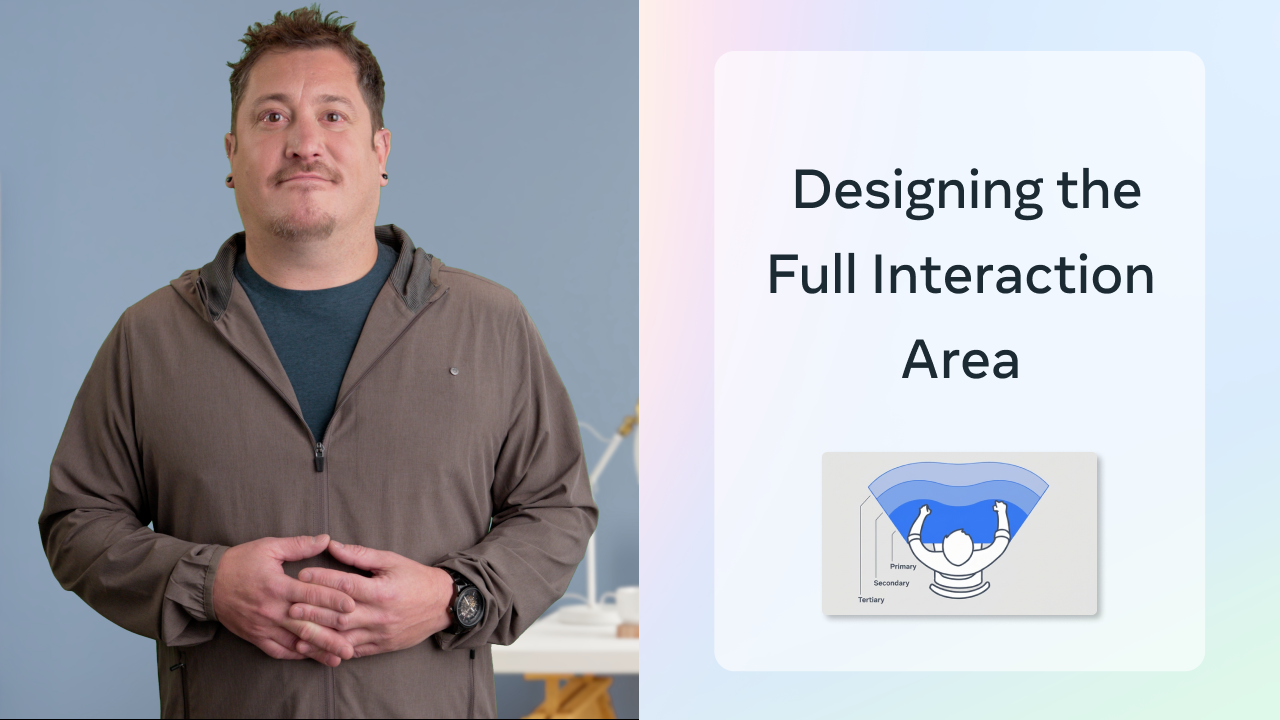
Design the Interaction Area, Not Just the Visual
Give Interaction Methods a Clear Logic
Turn Controller Inputs into a Hands Interaction Model

Design for Tracking Loss and Recovery
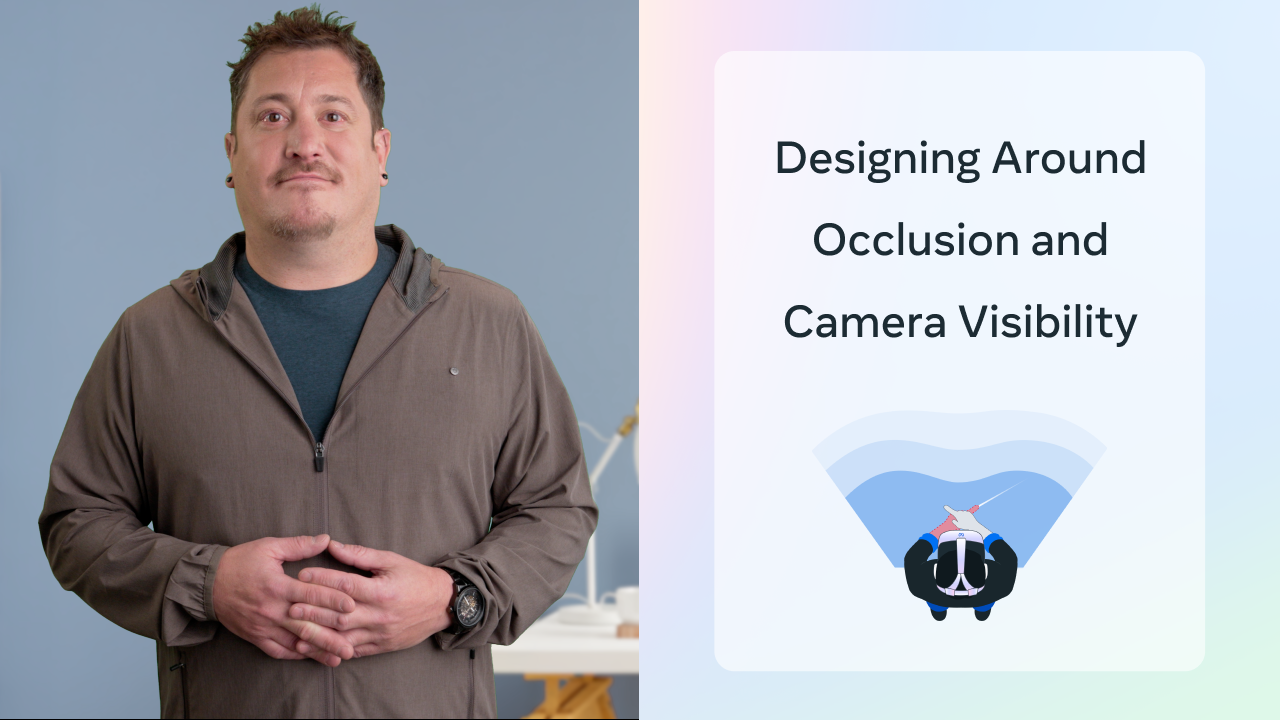
Design Around Occlusion and Camera Visibility
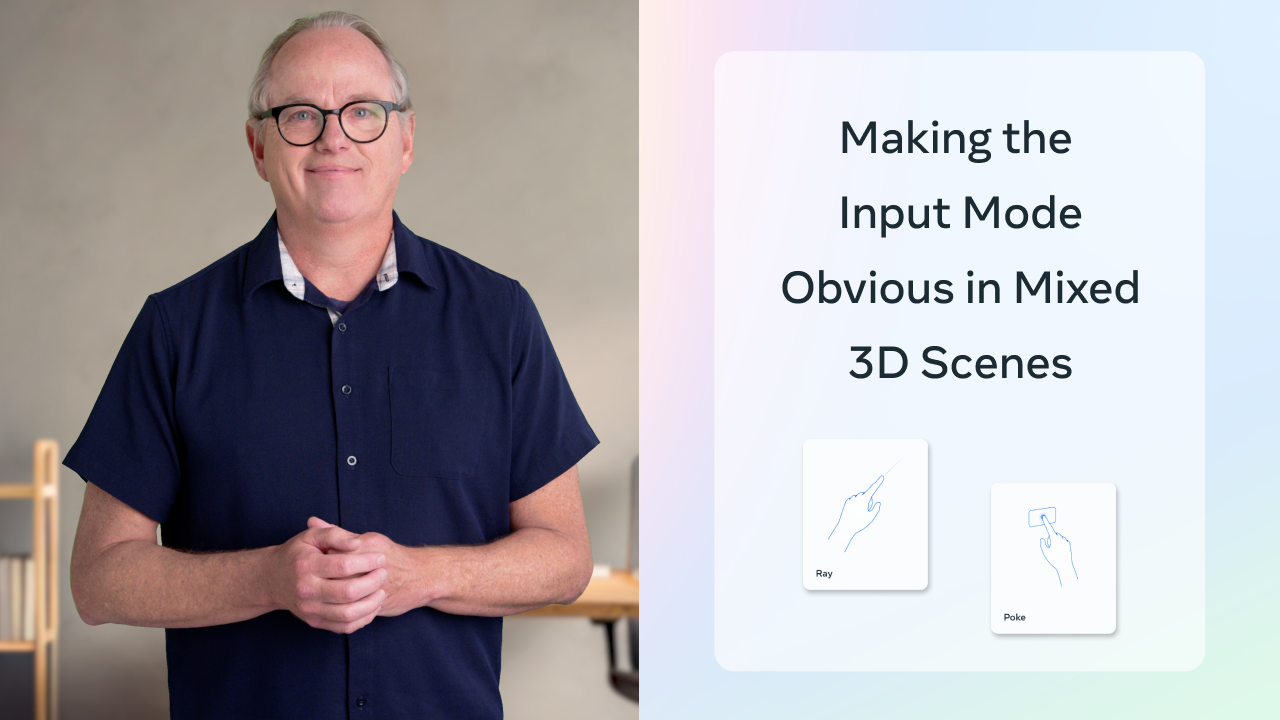
Make the Input Mode Obvious in Mixed 3D Scenes
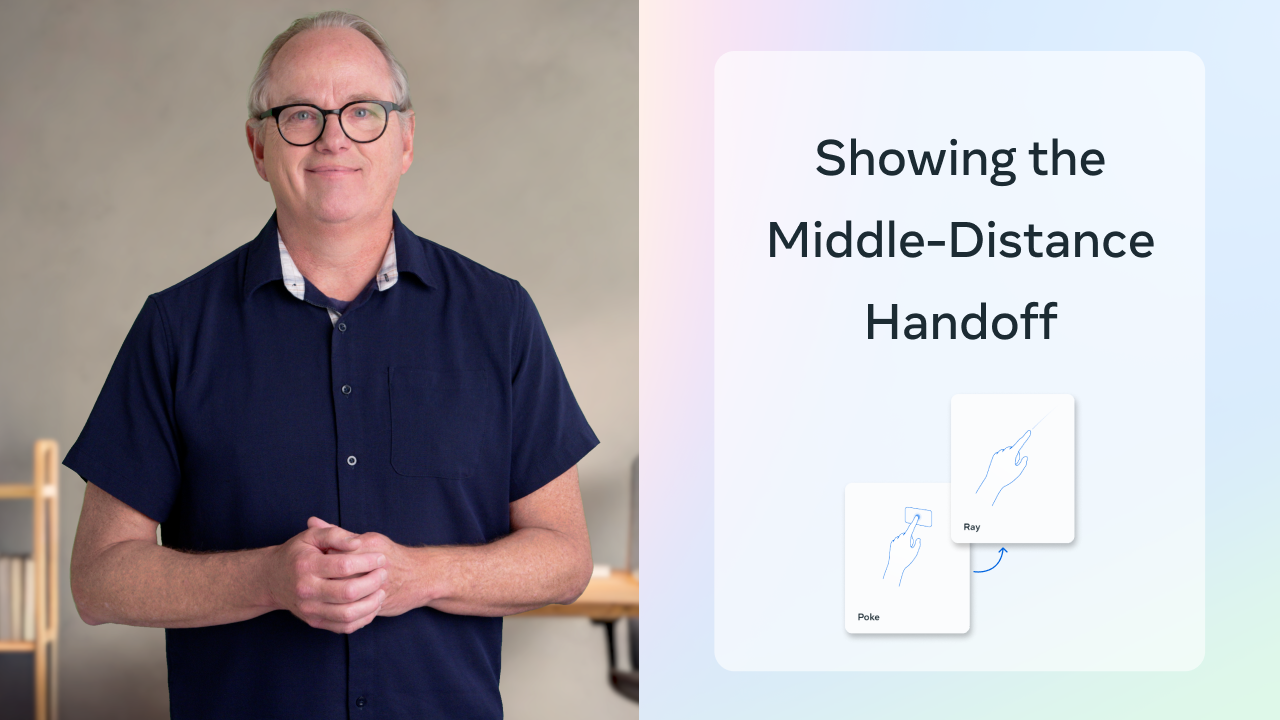
Show the Middle-Distance Handoff
Meta documentation
5Continue into Meta documentation for deeper guidance on hands design, hand tracking, Interaction SDK, and implementation.
General hands design guidance
Hands design guidance
Explore hands as an input method and the Interaction SDK patterns that support polished interactions.
Open Meta VR documentation in a new tab
Unity
Hand Tracking Overview
Learn the supported hand-tracking features, gestures, and Interaction SDK building blocks for Unity.
Open Meta VR documentation in a new tab
Unity
Interaction SDK overview
Use Interaction SDK to add hands and controller interactions for objects, UI, movement, and more.
Open Meta VR documentation in a new tab
Unity
Interactions setup
Set up standardized hand interactions and choose direct or ray input based on object distance.
Open Meta VR documentation in a new tab
Unity
First Hand sample overview
Study a complete mixed-reality game sample using hand tracking, ISDK, controller input, and scene understanding.
Open Meta VR documentation in a new tab
Not what you needed?
We're building out the hands interactive education library. Tell us where you'd like more help.